Taurus - Metro Responsive Newsletter Template Marketing
Themeforest Taurus - Metro Responsive Newsletter Template Marketing
- Clean & Modern Design
- All Layer PSD Files Included
- 48 HTML Files
- 6 Premium Templates
- 8 Color Scheme
- Valid HTML Code
- Commented Code
- Well Documented
- Majors Client Mail Support
- MailChimp Ready
- People and product photos used for demo preview only and not included in the main file.
If you need any help, please feel free to contact me through my profile page. Thank you


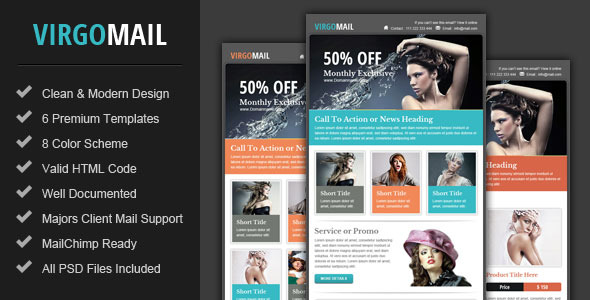
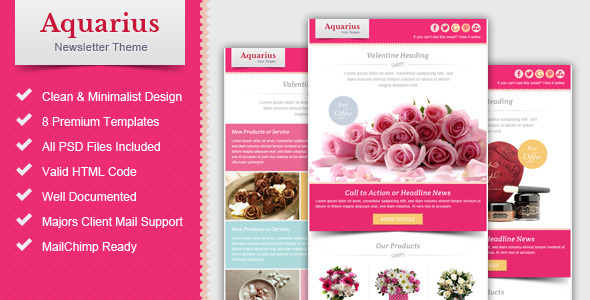
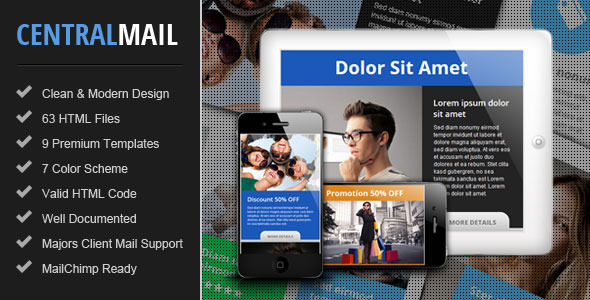


Taurus Responsive Newsletter Template is a set of Metro style email templates, It can be use for any product or any type of your campaign like E-commerce, Affiliate, Promotional, News and much more. It work well with any kind of email service provider (e.g. Aweber, iContact, Benchmark Email, MailChimp, Campaign Monitor, or Constant Contact), already tested on various browser and majors email clients (e.g. Outlook, Gmail, Yahoo, Hotmail and browser IE, Firefox, Opera, Safari, Chrome and more…)


Newsletter Template Features:
- Clean & Modern Design
- All Layer PSD Files Included
- 48 HTML Files
- 6 Premium Templates
- 8 Color Scheme
- Valid HTML Code
- Commented Code
- Well Documented
- Majors Client Mail Support
- MailChimp Ready
- People and product photos used for demo preview only and not included in the main file.
If you need any help, please feel free to contact me through my profile page. Thank you
Latest Update
20 March 2015
- Improved horizontal center elements on Yahoo.
21 May 2014
- Improved document file.
23 November 2013
- Fix HTML code for iPhone display.
12 July 2013
- CSS fix for Gmail fonts display.
30 May 2013
- fix CSS code for Outlook display.
You may also like this
Fusion – Metro Email Newsletter Template
Piscesmail – Email Newsletter Template
Virgomail – Email Marketing & Newsletter Template
Valentine Email Marketing & Newsletter Template
Central – Responsive Email Newsletter Template


I love the templates, but I am having a problem with one of concepts not displaying correctly in Outlook 2010 or above when testing. Idea 3 – At the top has the 4 boxes beside the main image, but for some reason they don’t display side by side. The 4 smaller offer boxes display below the main image stacked to the right.
ReplyDeleteIs it possible for me to send you to code for you to have a look at it.
Thanks
Hi
ReplyDeletePlease contact me through my profile page, I will reply you so you can send me a screenshot or HTML file.
Regards
Pophonic
Hi, I Like the theme & the code the best for all browsers & email client
ReplyDeleteThe problem i am not able to edit it too difficult for me,
Do you have service can customise it for me?
Thank You
Hi
ReplyDeleteRecommend you to try Mailchimp service provider, on the Mailchimp Template Editor you can change the content (image and text wording) on the template without HTML edit.
Regards
Pophonic
Thank you, I want to make some changes in the layout, can they do this? can you send me the link?
ReplyDeleteThank you
Also can you give the name for the code you are using & the skills requirment to do this job as I tryied many developer they told its difficult to edit this code for them
ReplyDeleteYou can change the image and text only on Mailchimp Template Editor (cannot change the layout).
ReplyDeleteFor make some change the layout, please contact me through my profile page, if it not too much from the original I can customise it for you.
Regards
Thank you I have send you message
ReplyDeleteHello,
ReplyDeleteGreat template, very professional.
Regards